

You are in the car park, eight minutes from a meeting that is about to run long, and your 2:00 needs to become a 3:00. Opening the calendar app, finding the event, dragging it, and then writing to the other person is four small jobs with your thumbs.
The short answer to the question is yes: you can text an assistant and have it move the meeting. Here is what that looks like, what it checks with you first, and when you do not need an assistant at all.
What the exchange looks like
You: Move the Harbor walk-through with Luis from 2 to 3 today
alfred_: Move “Harbor walk-through” from 2:00 PM to 3:00 PM today? Luis Ortega is on the invite and will get the update.
You: yes
alfred_: Moved.
Illustrative exchange. Names in this post are invented.
Three things are happening there. alfred_ found the meeting from a loose description. It showed you the before and after. And it waited: the calendar did not change until you said yes.
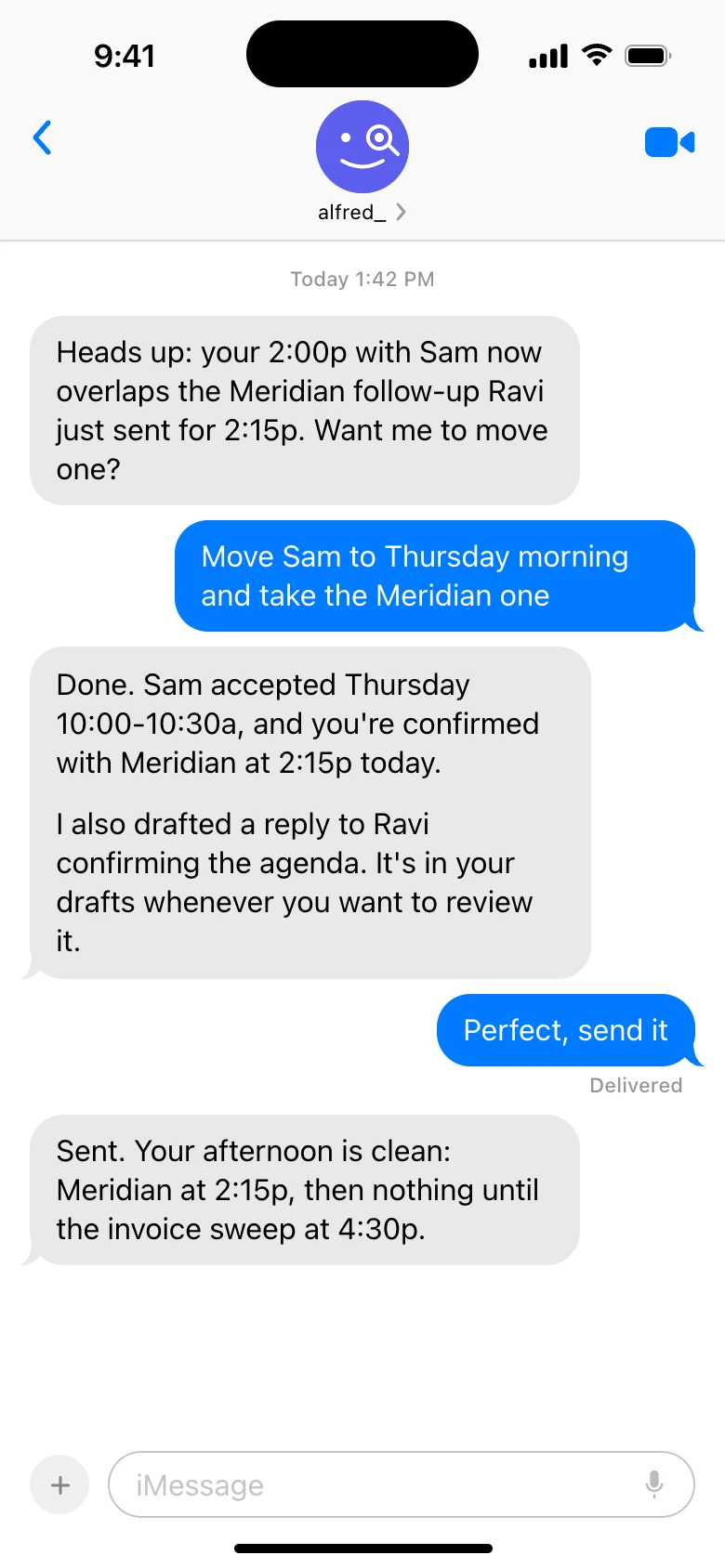
Rescheduling by text. Shown with sample data.
What it can move, and what it asks first
alfred_ is an AI personal assistant for work. It connects to Google Calendar, Outlook Calendar and iCloud Calendar, and it texts over iMessage, RCS and SMS, so there is no app to install.
- Your own blocks. “Put an hour for the proposal Friday at 9” goes straight on, because nobody else is affected.
- Moves and cancellations. These come back as a preview with the old and new times, and wait for your yes.
- Anything with other people. If you are inviting people or changing a meeting they are on, you see the invite before it is sent.
- Nothing on its own. alfred_ does not move a meeting unless you ask.
The limit to know: it moves events on the calendars you connected. If your appointments live only inside another system, such as a field service or booking tool, alfred_ cannot move them there.
The part a calendar app cannot do
Moving an event is the easy half. The half that takes time is everything around it, and that is where texting something that also reads your email earns its place.
Before the move. “When am I free Thursday afternoon?” is answered across every calendar you connected, work and personal.
With the move. “Email Luis that I’m running an hour behind and the walk-through is at 3.” alfred_ texts you the email to check, and sends it when you say yes.
After the move. “Did Luis reply?” It checks your email and tells you.
That is one thread on your phone, not a calendar app, a mail app and a search.
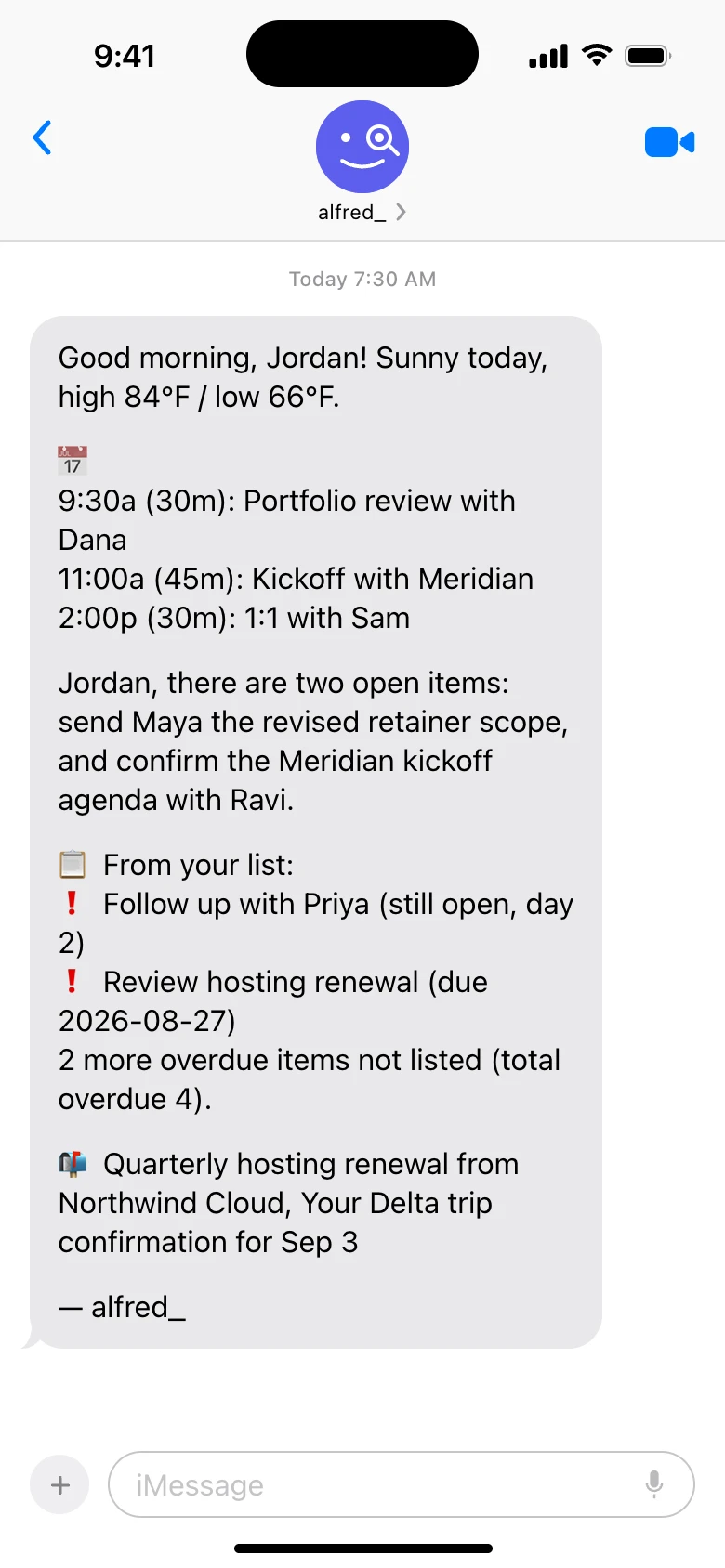
The same thread carries your morning text and the reminder before each meeting. Shown with sample data.
When you do not need an assistant
If all you want is to move an event on the calendar already set up on your iPhone, ask Siri. It is free and it works. The same goes for dragging the event in Google Calendar or Outlook when you have a hand free.
An assistant is worth paying for when the move is tangled up with email: you need to know whether the other person agreed, you need to tell them why, or you need to find the open slot across two calendars first. If that is most of your reschedules, text is the faster route.
How to set it up
- Connect your calendar. Sign in with Google or Microsoft, and add iCloud Calendar if you use it. Your password stays with them.
- Add your phone number in alfred_ and confirm the code it texts you.
- Text it. Start with “what’s on tomorrow?” so you can see it reading the right calendars, then try a move.
- Choose what it texts you. A reminder before each meeting and a text when a meeting moves or is cancelled are each on or off, and quiet hours hold change texts until they end.
Plans start at $29.99 a month with a 7-day free trial. More on what you can text is on the text assistant page.




