

You already have Claude or ChatGPT open most of the day. You ask it to rewrite a paragraph, think through a pricing change, summarize a document. Then you need to know what a client said last week, and you leave, open your mail, search, read, copy, and come back to paste it in.
The gap is that the AI you think with cannot see the work you are thinking about. A connector closes it.
What a connector does
A connector lets Claude or ChatGPT call another service on your behalf, with permissions you grant. alfred_ offers one. Once it is added, the AI can use your alfred_ account to:
- Search every inbox you connected to alfred_ (Gmail, Outlook, Microsoft 365, IMAP) in one query.
- Read a thread in full: every message, who said what, and whether you already replied.
- Check your calendar for a day or a range, and find open slots.
- Look up a person and the address you use for them.
So a question like “find the latest thread with Maya about the venue and tell me where it stands” is answered inside the chat, from your real mail.
How to connect it
| Claude | ChatGPT | |
|---|---|---|
| Where | Claude Desktop, claude.ai and Claude Code | ChatGPT, as a custom connector |
| Plan needed | Every plan, Free included. On Team and Enterprise, the owner adds it first | A paid ChatGPT plan, with developer mode on |
| Steps | Settings, Connectors, Add custom connector. Name it alfred_ and paste the alfred_ address. Press Connect, sign in, press Allow | Settings, Connectors. Under Advanced turn on Developer mode, choose Create, name it alfred_, paste the address, set authentication to OAuth, press Create. Then switch it on from the plus menu in a chat |
The step-by-step pages are at Connect Claude and Connect ChatGPT.
What to ask once it is connected
These work as written:
- “What is on my calendar tomorrow, and is anything back to back?”
- “Did anyone reply to my note about the invoice this week?”
- “Pull the thread about the contract renewal and give me three talking points for the call.”
- “When am I free for an hour on Thursday?”
The last two show why this is useful. The AI is doing what it is good at, summarizing and reasoning, on your actual email and calendar instead of on what you remembered to paste.
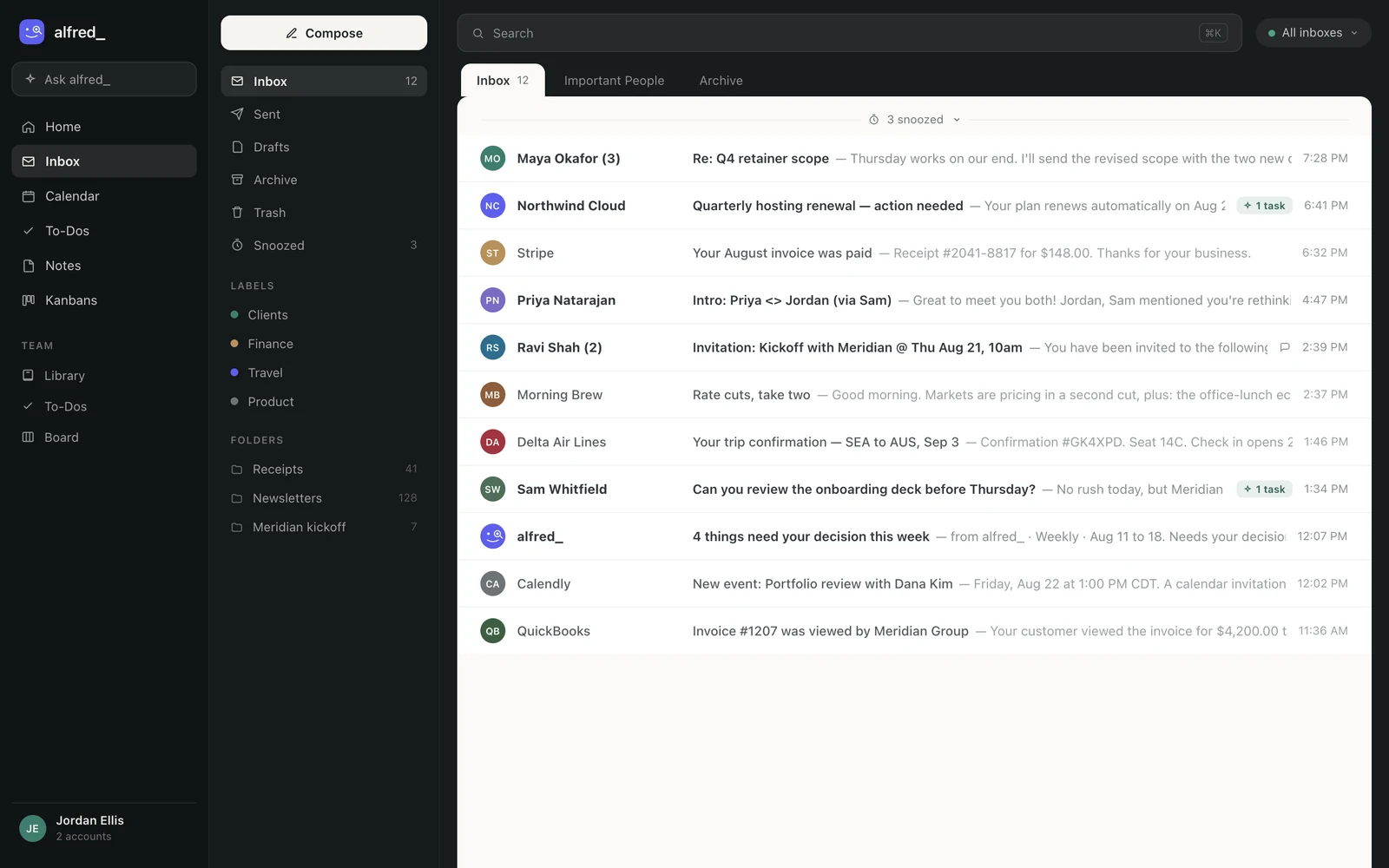
The accounts the connector searches are the ones connected in alfred_. Shown with sample data.
What it is allowed to do
You choose when you sign in. The limits are worth reading before you connect anything to your mail:
- Reading is the default. Writing and sending are separate permissions you grant on purpose.
- Nothing is sent, and no invitation goes out, until you have seen it and said yes.
- It cannot delete anything: not an email, not an event, not a to-do.
- It cannot connect or remove accounts. That stays a signed-in click in alfred_ itself.
- Only the accounts you connected to alfred_. Nothing else on your machine.
If you do grant writing, the AI can save a draft into your real Drafts folder, add a to-do, set up an email rule, or create a calendar event, each with the same check before anything goes to another person.
Is it really the same assistant?
Yes, and that is the point. The connector is another way in to the same alfred_ account you use on the web, in the iPhone app and by text. The same connected inboxes and calendars sit behind all of them, so an answer in Claude matches the one you would get by text.
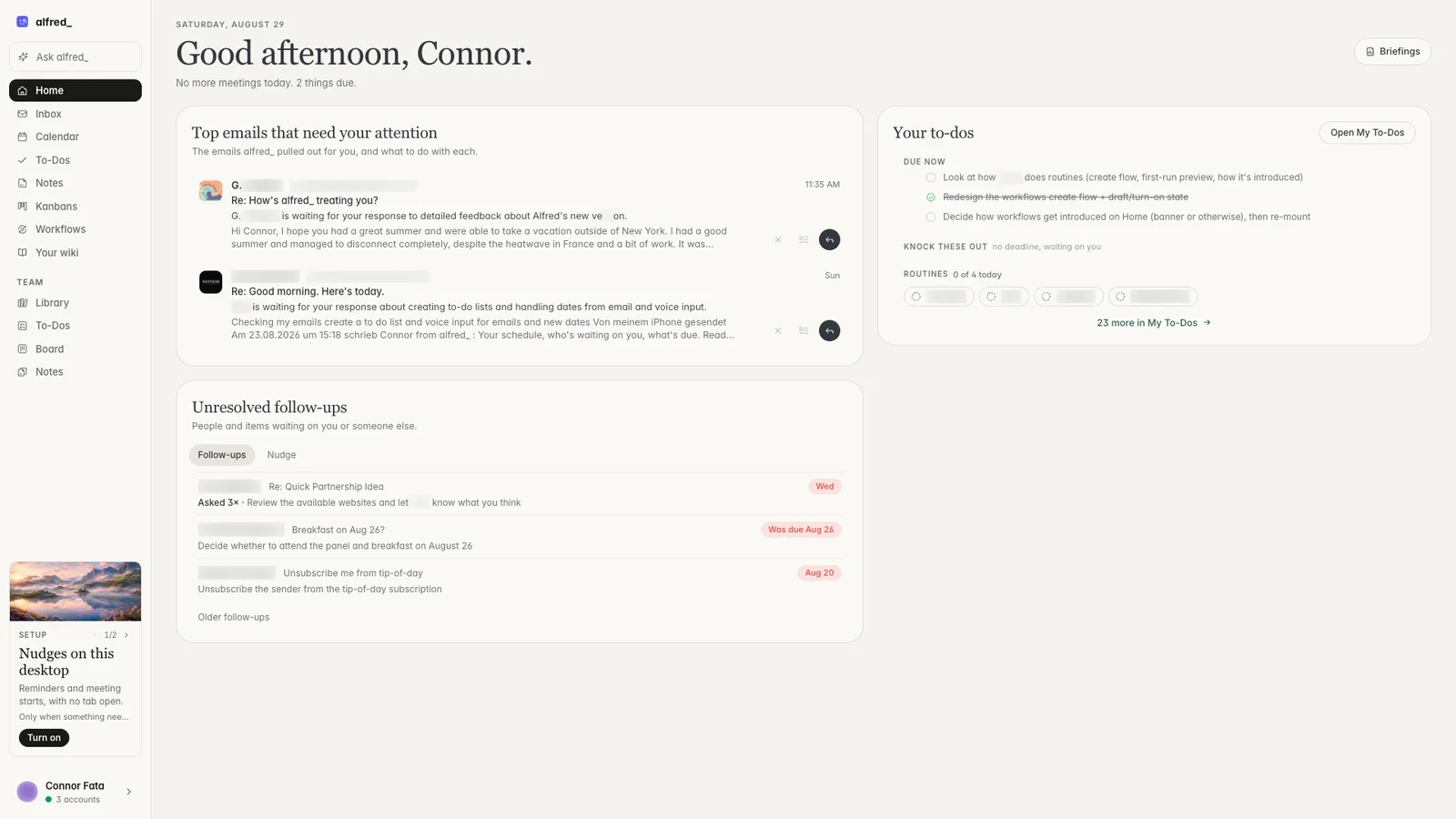
The same account on the web. Shown with sample data.
What about Slack and Teams?
The question often comes with “and Slack and Teams”. alfred_ connects to both. It reads the channels, DMs and chats you are in, so you can ask what the team said about a client, catch up on a channel since Monday, or see who in Slack or Teams is still waiting on an answer from you. It reads them and does not post as you: a message goes out only when you send it. You ask from the web, the iPhone app, a text thread, or Claude and ChatGPT.
You need an alfred_ account for any of this. Plans start at $29.99 a month with a 7-day free trial.




