

On October 27, 2026, OpenAI added iCloud Mail and iCloud Calendar plugins to ChatGPT. If your email is @icloud.com and your calendar is the one on your iPhone, ChatGPT can now reach both.
What the iCloud plugins do
From OpenAI’s announcement, as reported by MacRumors and 9to5Mac:
- iCloud Mail: search and read your iCloud mail, manage messages and drafts, send email, and look up iCloud contacts. Addresses ending in @icloud.com, @me.com or @mac.com.
- iCloud Calendar: read, schedule and update the events that show up in the Calendar app on your iPhone.
- Setup: an Apple app-specific password for each, made at account.apple.com.
- Availability: all ChatGPT plans, on the web, desktop and iOS.
One limit is worth knowing before you rely on it: the iCloud Mail plugin sees iCloud Mail only. The Gmail or Outlook accounts that sit next to it in your iPhone’s Mail app aren’t part of it.
When iCloud isn’t your only inbox
Most people with an @icloud.com address also have a work inbox, a Gmail from years ago, or an Outlook address clients still use. A question like “did the contractor reply?” depends on which address the contractor picked.
The alfred_ plugin puts them together. Connect iCloud Mail and iCloud Calendar to alfred_ alongside Gmail, Google Workspace, Outlook (personal or work), Yahoo and any IMAP mailbox, up to six accounts, and ChatGPT searches all of them in one question.
- Make an app-specific password at account.apple.com, under Sign-In and Security.
- Connect iCloud to alfred_. Add iCloud Mail with your @icloud.com address and iCloud Calendar with your Apple ID, then add your other accounts.
- Add the alfred_ plugin in ChatGPT. Open alfred_ in ChatGPT, press Connect, sign in and choose what to allow.
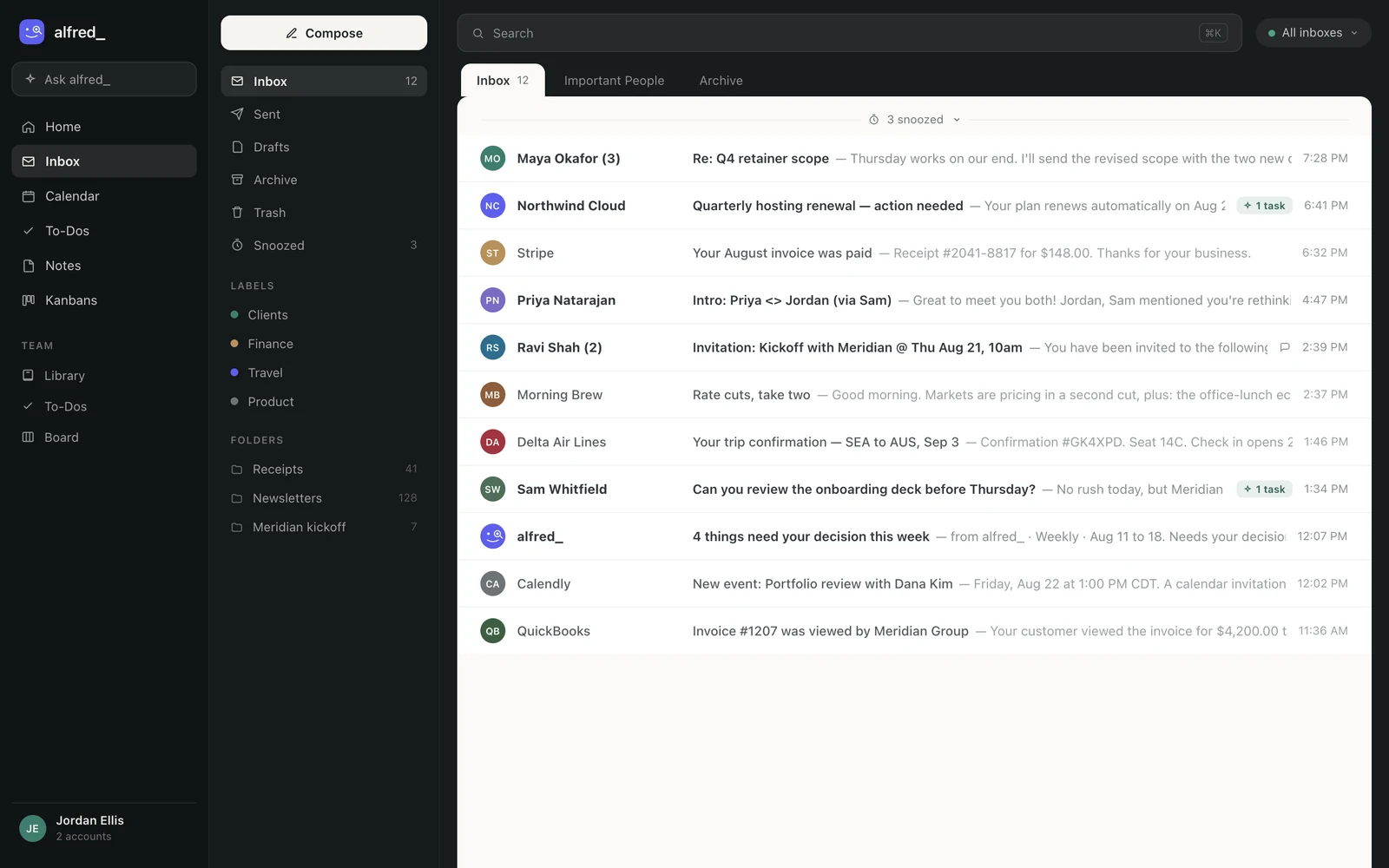
Every account connected to alfred_, iCloud included, is one search away in ChatGPT. Shown with sample data.
What it looks like
You: What needs me today across all my inboxes?
ChatGPT: Three things. The school emailed your iCloud address about Thursday’s early pickup. Tom Becker asked your work Gmail for a revised quote by noon. And Rivera Plumbing confirmed Saturday at 1 PM in your iCloud inbox; you haven’t replied.
You: Reply to Rivera that 1 works and the side gate will be open.
ChatGPT: Here’s the reply from your iCloud account: “Hi, 1 PM Saturday works. The side gate will be open.” Send it?
You: Yes.
Illustrative exchange. Names are invented.
Replies go from the account the email came to, and only after you say yes. Through alfred_, ChatGPT cannot delete an email, an event or a to-do.
The same inboxes in Claude
Claude doesn’t have an iCloud connector. The same alfred_ account connects to Claude, Claude Desktop and Claude Code, so your iCloud mail and calendar are there too, next to your other accounts.
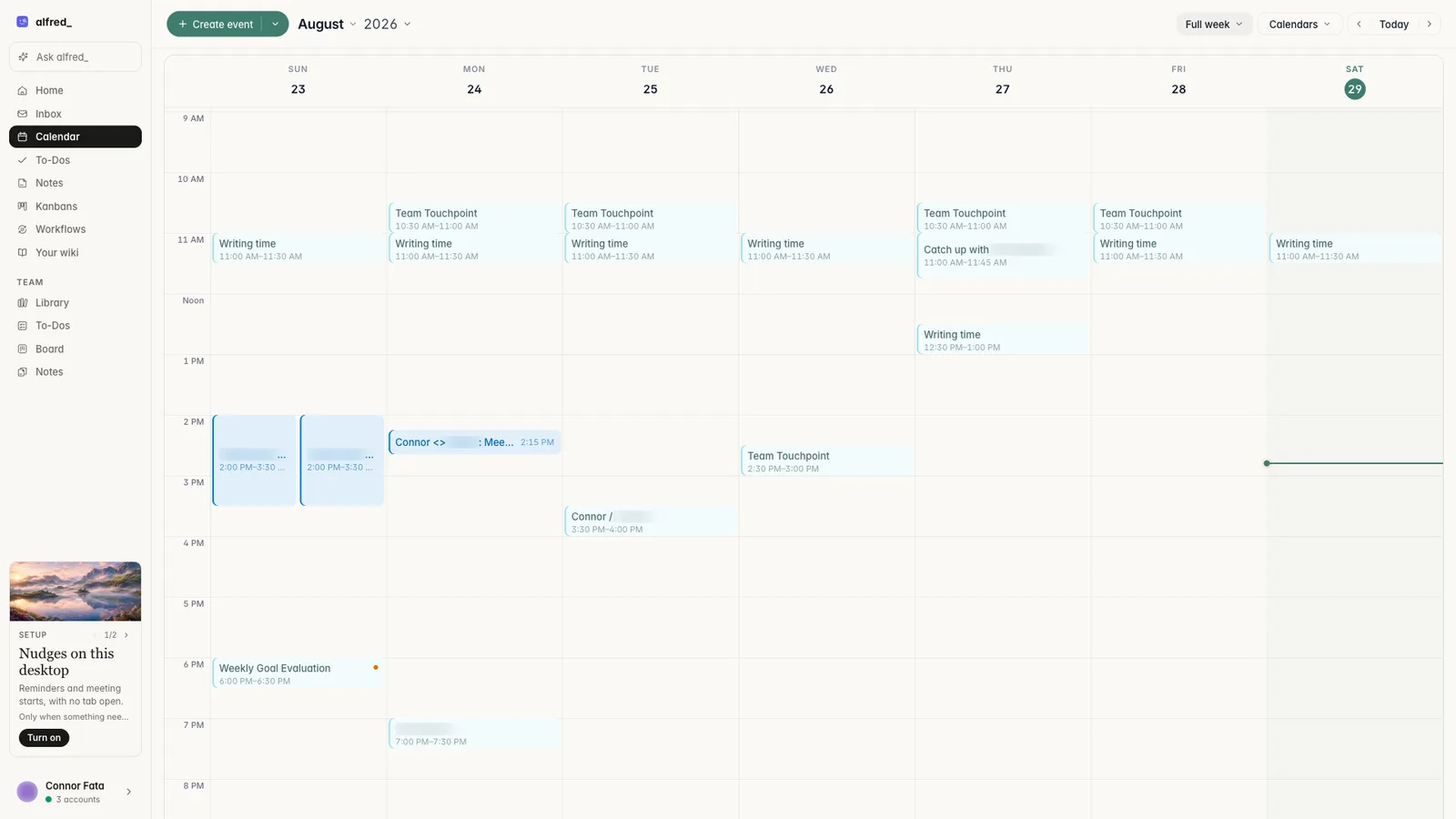
Connected calendars in alfred_, iCloud included. Shown with sample data.
And between chats, alfred_ keeps reading every inbox: it flags what needs your answer and can text you about it, so a reply can go out from your phone with a text and a 👍.
You need an alfred_ account for any of this. Plans start at $29.99 a month with a 7-day free trial.




