


Most advice about out of office emails stops at the message. Write a polite note, name a backup, turn it on, go. That part takes ninety seconds. The part that actually ruins time off is the one nobody plans for: the inbox quietly stacking up while you are gone, and the Monday morning when you open your laptop to several hundred unread messages and no idea which three matter.
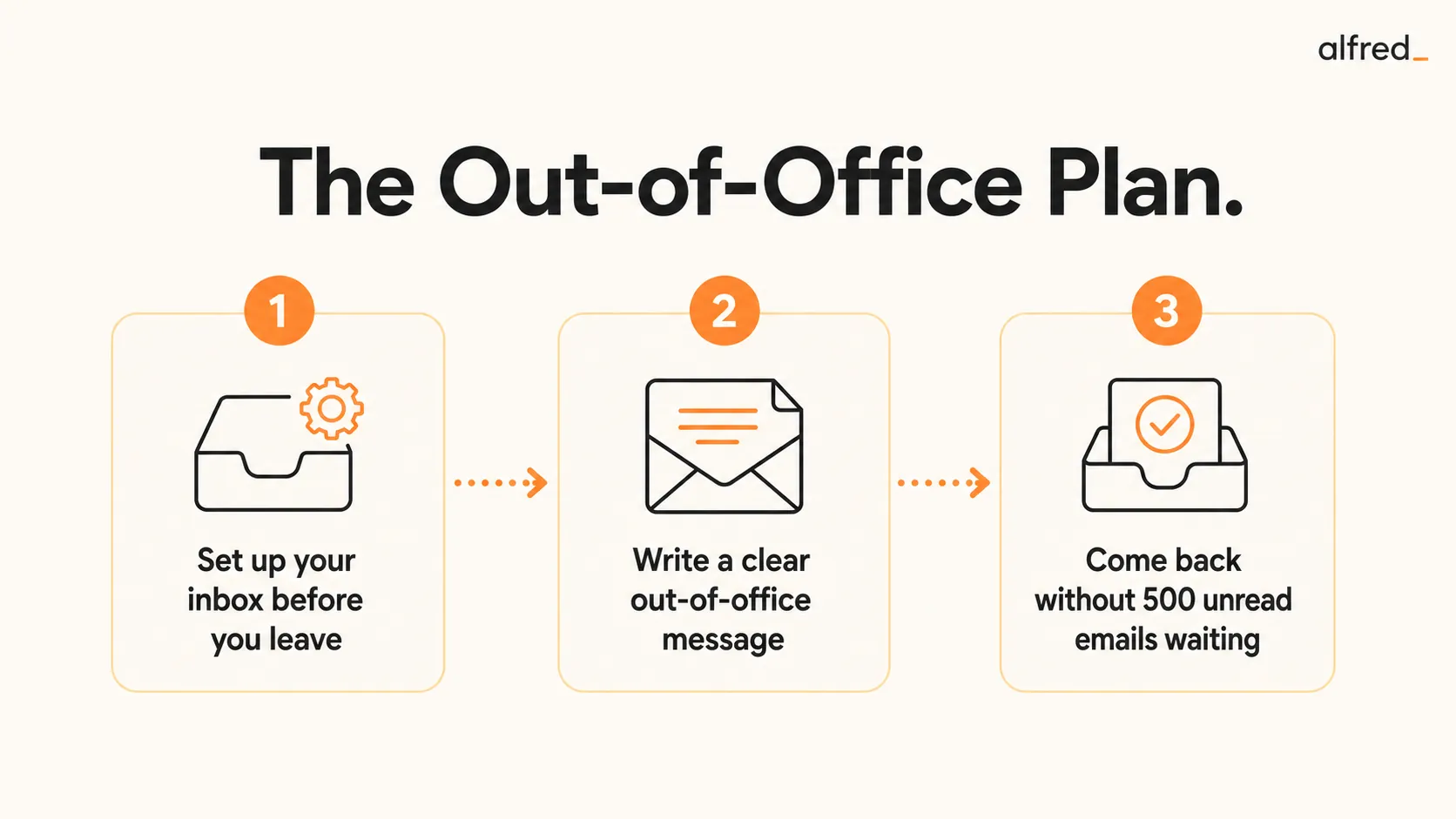
This guide covers both. First, copy-paste out of office templates for every common situation. Then the harder and more valuable half: how to set up your inbox before you leave, and how to come back without the avalanche.
The out of office message is the easy part. You can copy one in thirty seconds, and this guide gives you templates for every situation. The hard part is the one nobody plans for: the 500 unread emails waiting when you get back, which turn the rest you just took into a single dreaded Monday. A good out of office does two jobs, not one. It sets expectations while you are gone, and it sets up your inbox so the return is a short review instead of an avalanche. Here are the templates, and the part that actually protects your time off.
Out of Office Email Templates
Copy any of these, swap in your dates and backup contact, and you are done. Keep it short. The single most important line is the alternative contact, so do not bury it.
Standard professional
Thank you for your email. I am out of the office from [start date] until [end date] with limited access to email. I will respond to your message in order when I return. For anything urgent in the meantime, please contact [name] at [email]. Thank you for your patience.
Short and simple
I am away until [return date] and will reply when I am back. For urgent matters, please reach [name] at [email].
Client-facing (longer leave)
Thank you for reaching out. I am currently out of the office until [return date] and will have limited email access during this time. Your message is important to me and I will respond personally when I return. If your request needs immediate attention, [name] ([email]) is covering for me and is fully briefed to help. I appreciate your understanding.
Internal team
Out of office [start date] to [end date]. [Name] is the point of contact while I am away for anything that cannot wait. Everything else I will pick up when I am back. Please do not forward non-urgent items, I will see them on my return.
Extended or parental leave
I am on leave until [return date] and will not be monitoring this inbox. For [topic or account], please contact [name] at [email]. For anything else, [second name] at [email] can help or point you in the right direction. I will not be able to respond to messages sent during this period, so please reach out to the contacts above rather than waiting for my reply.
No backup contact available
I am out of the office until [return date] with no access to email. I will reply to your message when I return. If it is time-sensitive, please resend it after [return date] so it does not get lost. Thank you for understanding.
What a Good Out of Office Message Actually Needs
Strip away the filler and every effective auto-reply has the same five parts:
- The dates. Both when you left and when you return. “Back soon” helps no one.
- A response expectation. Say you will reply in order on return. This quietly gives you permission not to answer instantly the moment you are back.
- One backup contact. A name and a real email address. One is better than three, because the sender knows exactly where to go.
- A boundary on urgency. Define what urgent means by pointing it at the backup, so the genuinely time-sensitive gets routed and everything else waits.
- Restraint. Do not announce your travel dates and empty house to every cold emailer and mailing list. Keep it professional and vague on specifics.
The Part the Template Does Not Solve
Here is the uncomfortable truth about out of office messages: they manage other people’s expectations, but they do nothing about your inbox. The auto-reply goes out, and behind it the emails keep arriving. Newsletters, CCs, calendar invites, “quick questions,” threads you were looped into, the genuine client request buried among them. The OOO does not triage any of it. It just delays your confrontation with the pile.
So the real work of taking time off is not writing the message. It is building a system so that the inbox you return to is already sorted. That happens in two moves: what you do before you leave, and how you come back.
How to Leave Without the Inbox Piling Up
Schedule the auto-reply in advance
In Gmail use the Vacation responder with start and end dates. In Outlook use Automatic Replies with a date range and separate internal and external messages. Scheduling means it switches on and off on its own, so you are never the person who forgets to turn it off and replies to a client three days late.
Brief your backup contact for real
Naming someone in an auto-reply does nothing if they do not know what they are covering. Send them a short note before you go: the two or three accounts or threads most likely to need attention, where things stand, and what they are authorized to decide without you.
Mute the noise before it arrives
Unsubscribe or filter the newsletters and notifications you know will pile up. A week away can mean a hundred messages that are pure noise. Filtering them straight to a label before you leave means they never touch your main inbox while you are gone.
Set up triage to run while you are away
This is the move most people skip. If something is reading and sorting your inbox while you are off, you come back to a short list of what genuinely needs you rather than an undifferentiated wall of unread. This is exactly what alfred_ does: it triages every incoming email against what matters to you, so the pile is already sorted before you open your laptop.
How to Come Back Without the Monday Avalanche
The instinct on your first morning back is to start at the top of the inbox and read down. Do not. Reading everything in arrival order is how a two-hour catch-up becomes a lost day. Triage in passes instead:
- Pass one, bulk clear. Sort by sender. Select and archive entire categories at once: newsletters, automated notifications, social updates, receipts. On most post-vacation inboxes this removes more than half the volume in two minutes.
- Pass two, flag the real replies. Go through what is left and flag only the messages that need a genuine response from you. Do not write anything yet. You are sorting, not answering.
- Pass three, work the flagged list. Now reply, delegate, or snooze each flagged item. Because the noise is gone, the list is short and the work is finite.
For the deeper version of this, including how to handle the threads that moved on without you, see our guide on handling post-vacation email.
Where alfred_ Fits
Let alfred_ triage your inbox while you are away
alfred_ reads every email that arrives during your time off, sorts the signal from the noise, and has draft replies waiting for the ones that matter. Instead of opening your laptop to 500 unread, you open it to the 10 to 15 things that actually need you. The vacation does not end the moment you check your email.
See how alfred_ handles your inbox overnightAn out of office message tells people you are away. It does not protect the time itself. What protects your time off is knowing that the inbox is being handled while you are gone, so coming back is a ten-minute review instead of a dreaded all-day dig. The auto-reply is the easy ninety seconds. The triage is the part that actually lets you unplug.
The Bottom Line
Write the short version of the out of office message. Pick one of the templates above, name a backup, schedule the dates, and move on. Then spend your remaining energy on the half that matters: muting the noise before you leave, briefing your backup, and putting triage in place so the inbox sorts itself while you are gone. Do that, and the question stops being “how do I survive the pile when I get back,” because there is no pile waiting. There is a short list, already sorted, and the rest of your morning is yours.